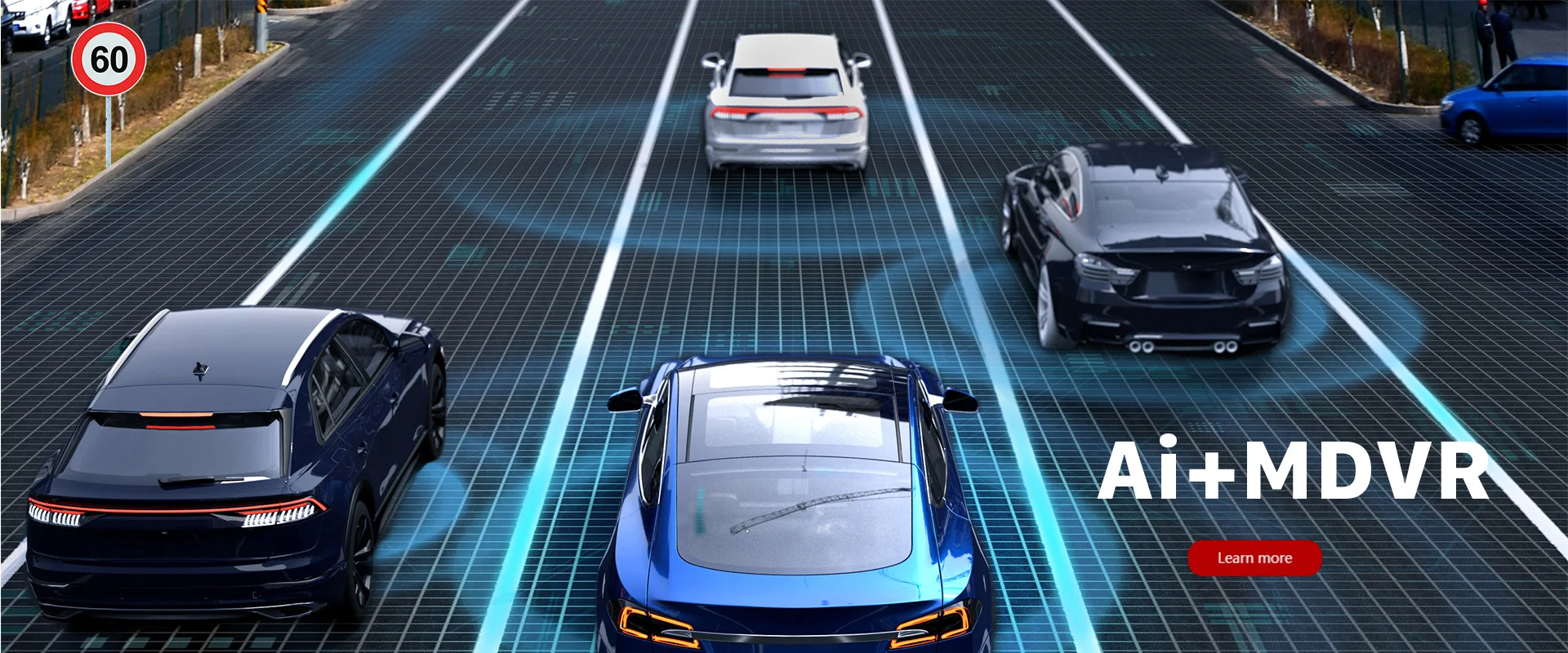

In modern fleet management, having a reliable in-vehicle display is no longer optional. From real-time video monitoring to driver behavior analysis, a smart monitor plays a key role in improving safety, efficiency, and transparency.
But how do you choose the right one?
In this guide, we’ll break down what really matters when selecting a 10.36-inch smart vehicle monitor—and what features actually make a difference in real-world applications.
🔍 Why Smart Monitors Matter in Fleet Operations
Traditional vehicle displays are limited to basic camera views. However, modern Android-based smart monitors can do much more:
- Display multi-channel camera feeds
- Support real-time GPS tracking
- Integrate with MDVR systems
- Provide driver behavior alerts (ADAS / DSM)
These features help fleet managers reduce accidents, improve driver accountability, and collect reliable video evidence.
📺 Key Features to Look For
1. Large HD Touchscreen for Multi-View Monitoring
A 10.36-inch display offers a balanced size for commercial vehicles—large enough for clear visibility without obstructing the driver’s view.
High-definition resolution (e.g. 1600×720) ensures:
- Clear camera footage
- Better split-screen viewing
- Easier navigation control
2. Multi-Channel Camera Support
For trucks, buses, or logistics vehicles, blind spots are a major safety risk.
A professional smart monitor should support:
- 4 to 5 camera channels
- AHD 1080P/720P video input
- Real-time preview and playback
This allows full vehicle coverage, including front, rear, and side views.
3. AI Safety Features (ADAS & DSM)
Advanced Driver Assistance Systems (ADAS) and Driver Status Monitoring (DSM) are becoming standard in commercial fleets.
These systems can detect:
- Lane departure
- Forward collision risk
- Driver fatigue or distraction
With real-time alerts (voice + visual), they significantly improve road safety.
4. Connectivity: 4G, GPS, and Wi-Fi
Connectivity is essential for modern fleet management.
A good smart monitor should support:
- 4G for real-time data transmission
- GPS for tracking and route analysis
- Wi-Fi for updates and data sync
This enables live monitoring and remote management.
5. Integration with MDVR Systems
Unlike consumer car displays, fleet-grade monitors are designed to work with MDVR (Mobile Digital Video Recorder).
This allows:
- Centralized video storage
- Remote playback
- Data synchronization with fleet platforms

🚀 Example: Android-Based 10.36-Inch Smart Monitor
One example of this type of system is the
👉 ICARVISIONS WEB - JK12A
This model combines:
- Android 10 operating system
- Multi-channel AHD camera support
- ADAS & DSM integration
- GPS + 4G connectivity
- Multimedia and navigation capabilities
It can display camera feeds, vehicle data, and navigation apps all in one interface, making it suitable for trucks, vans, and commercial fleets.
🧩 Typical Use Cases
A smart vehicle monitor like this is commonly used in:
- Logistics fleets
- Public transportation
- Construction vehicles
- School buses
In these scenarios, it helps improve:
- Driver safety
- Operational efficiency
- Incident tracking
📌 Final Thoughts

Choosing the right smart monitor is not just about screen size or specs.
What really matters is:
- System integration (MDVR + cameras)
- Real-time connectivity
- Safety features (ADAS / DSM)
If your goal is to build a safer and more efficient fleet, investing in a professional-grade Android smart monitor is a smart move.
